




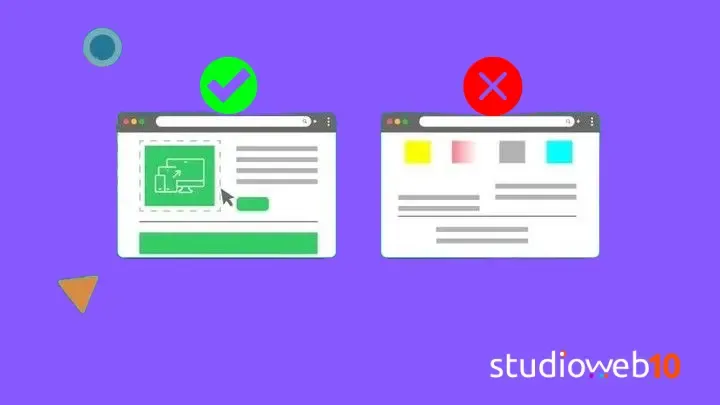
75% of users judge a company’s credibility by the design of its website (Stanford Research), and sites with optimized UX can increase their conversions by up to 200% (Forrester). Design isn’t an aesthetic decision: it’s a business decision. Google also prioritizes fast, intuitive, mobile-first sites in its results (Core Web Vitals), so choosing the design well also works in favor of your rankings.
These are the 5 factors worth having clear before tackling the design of a website.
1. Define the purpose and the target audience
Designing a corporate site isn’t the same as designing an online store. A corporate site prioritizes visual hierarchy and professionalism; an ecommerce site needs to focus on the purchase funnel and on real testimonials that build trust.
Before defining a single screen, it’s worth:
- Identifying the 3 main actions users need to be able to take (buy, contact, subscribe).
- Analyzing which designs work well in your industry and why.
2. User experience (UX) and intuitive navigation
Some rules that rarely fail:
- Simplified menu: a maximum of 5 sections (for example Home, Services, Portfolio, Blog, Contact).
- Clear visual hierarchy: use size, color and contrast to guide the eye — a CTA in a warm color stands out far more than one that blends in with the rest.
- Load time under 2 seconds: images in WebP format and avoiding unnecessary plugins.
Tools like Hotjar (click heatmaps) and Google Lighthouse (speed and SEO diagnostics) help validate these decisions with real data, not just intuition.
3. Visual identity and branding
Design has to reflect the brand: corporate colors, consistent typography and a coherent tone of communication throughout the site. If there isn’t a defined brand guide yet, it’s a good starting point before moving on to the final design — it’s worth sorting out first so you don’t end up redesigning piece by piece.
4. Device compatibility (responsive design)
60% of web traffic comes from mobile devices (Statista). A design that looks good only on desktop is today, quite simply, an incomplete design: you need to test adaptability on different screen sizes before considering the site finished.
5. Integration with SEO and technical performance
Design and technical SEO go hand in hand from day one:
- A clear heading structure (H1, H2, H3) with the relevant keywords.
- Friendly URLs (for example
/servicios/diseno-webinstead of/pagina2?id=123).
Common mistakes when choosing a design
- Using a generic template without customizing it. Investing in your own design is what lets you stand out from competitors using the same template.
- Ignoring loading speed. Heavy sliders or excessive animations add visual weight but subtract conversions.
Need professional help?
At studioweb10 we create custom web designs that are fast and results-oriented. If you want an outside opinion on your current site or are about to start a new one, contact us and we’ll talk it through.